
Download Dugdugi Live APK – South Asian TV Streaming, Live TV Channels, Multimedia App
Overview
Dugdugi Live is a multimedia streaming application designed to deliver live television content from South Asian channels. The app provides users with access to niche programming not typically available on mainstream streaming platforms, making it a valuable tool for audiences seeking culturally specific content. Its primary purpose is to serve as a centralized platform for live TV streaming, allowing viewers to tune into regional broadcasts, religious programming, music channels, and community-focused channels from South Asia. The target users include diaspora communities, cultural enthusiasts, and individuals interested in regional media beyond global offerings.
As a free-to-download application, Dugdugi Live lowers the barrier to entry for users seeking alternative streaming options. The developer, Dugdugi, did not provide additional information about the company’s background or history. The app is available exclusively for Android devices and was released on May 15, 2024. Real-world usage scenarios include daily viewing of news, religious ceremonies, cultural festivals, and entertainment broadcasts from South Asia. While the app promises a seamless viewing experience, actual performance may vary based on network stability and server conditions.
Key Features & Capabilities
- Niche South Asian Channel Access – Offers streaming of specialized South Asian TV channels not widely available on major platforms, including regional language stations and community-focused broadcasters.
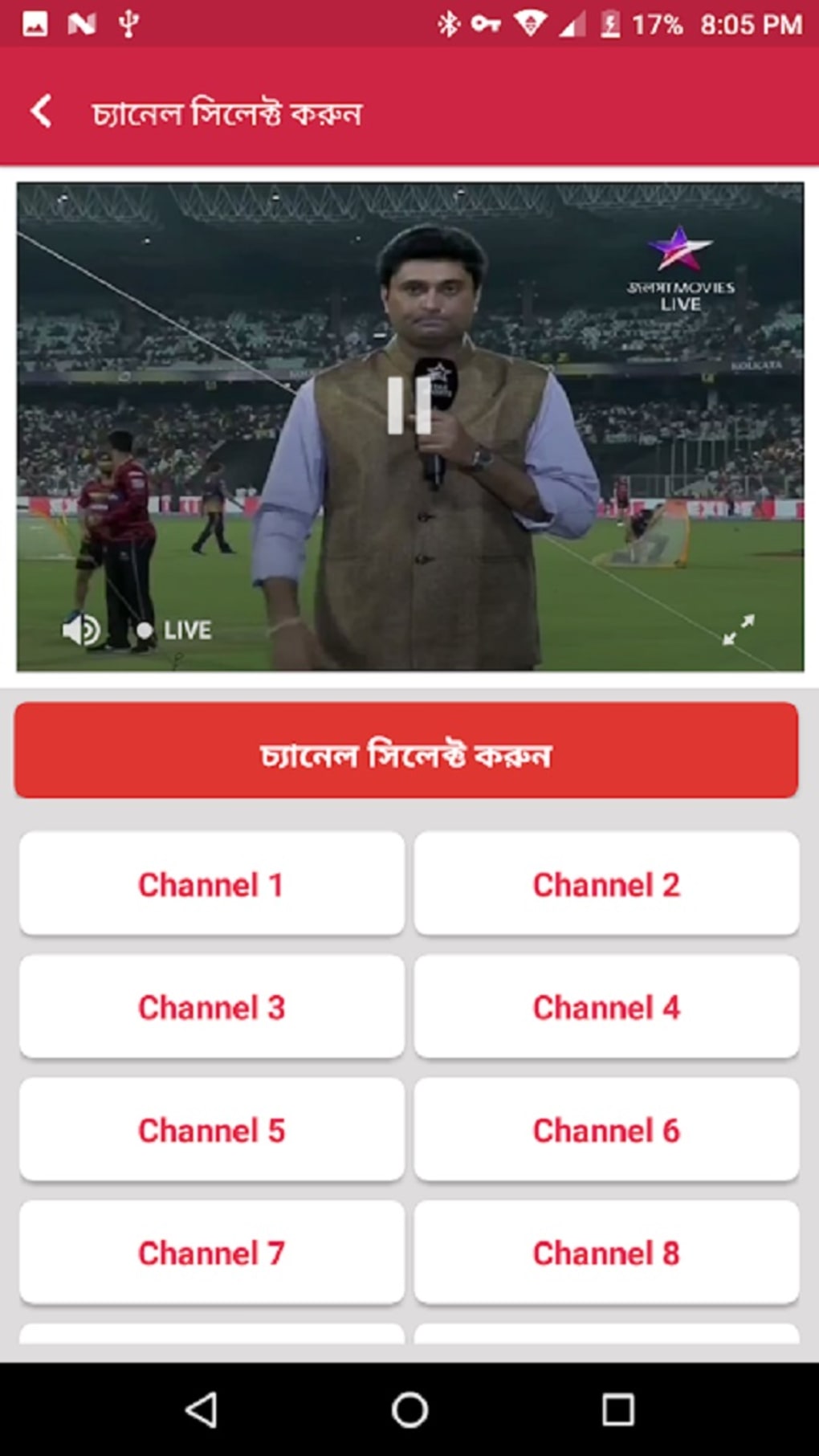
- Integrated Media Player – Features a built-in video player designed to handle live streams with minimal buffering, supporting smooth playback under optimal conditions.
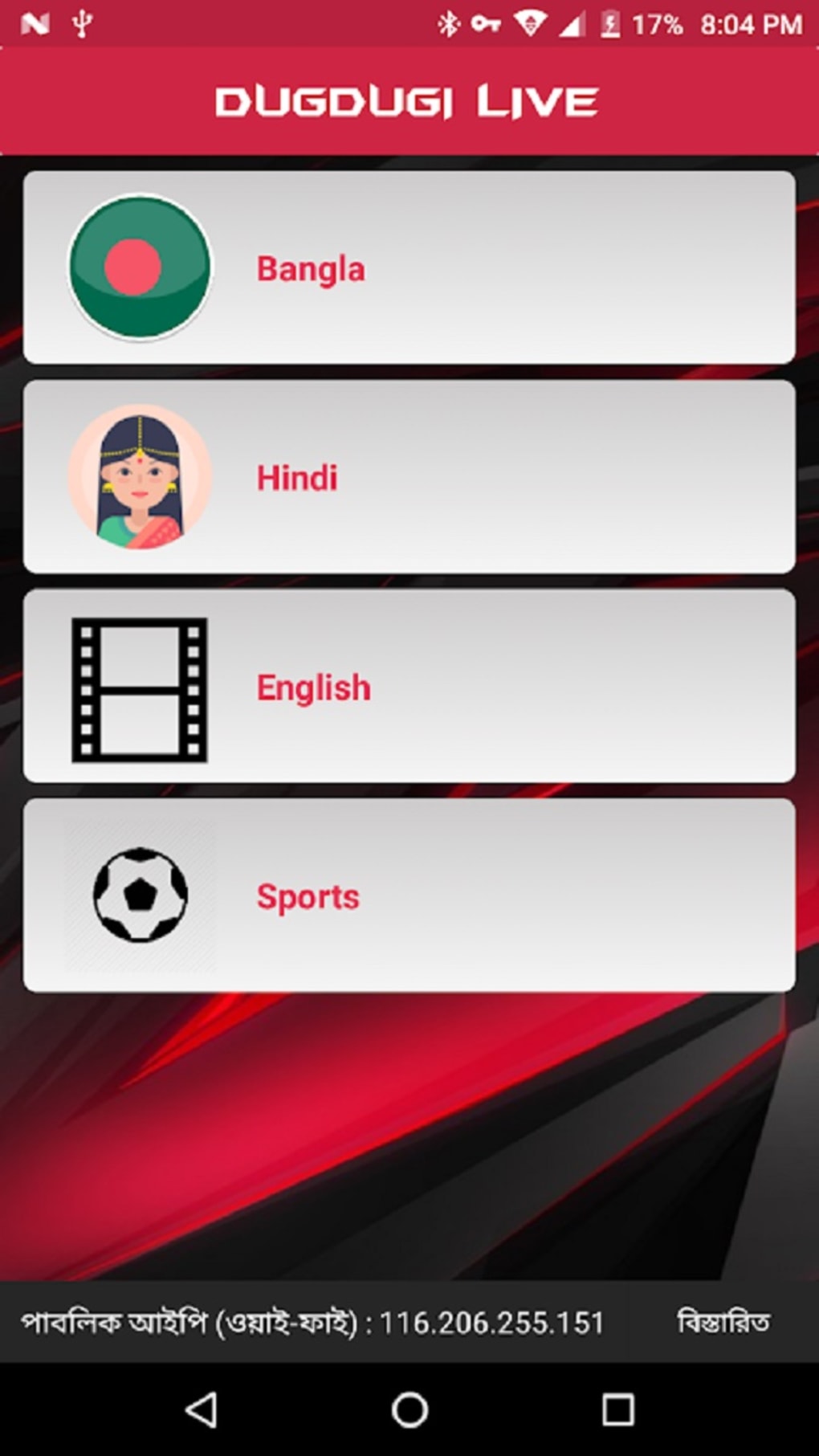
- Simple Channel Browsing – Provides an intuitive interface for navigating through a categorized list of available channels, allowing users to quickly locate preferred content.
- Free to Use – No subscription or in-app purchase requirements, making it accessible to a broad audience without financial commitment.
- Android Compatibility – Designed specifically for Android devices, ensuring compatibility with a wide range of smartphones and tablets.
These features support real-time viewing of live broadcasts, such as religious events, cultural programs, and local news updates. The integrated player is essential for maintaining user engagement, as external players can introduce compatibility issues. However, users may encounter playback interruptions due to external server conditions or unstable internet connections. The app’s reliance on third-party content sources means performance can vary across regions and over time.
User Interface, Workflow & Performance
The user interface of Dugdugi Live is designed with simplicity in mind, featuring a clean layout that emphasizes channel access and playback control. Navigation is straightforward, allowing users to browse channels by category or search for specific content. The workflow is linear: launch the app, select a channel, and begin streaming—ideal for users seeking a no-frills viewing experience.
Performance observations are based on general software behavior patterns. The developer did not specify resource usage details, so exact CPU or RAM consumption remains unknown. The app is reported to function with moderate file size, suggesting efficient use of device storage. Stability during extended use has not been publicly documented. Users may experience loading errors or playback issues, which are often attributed to server-side limitations or inconsistent internet connectivity rather than the app’s core functionality.
For optimal performance, users are advised to maintain a stable internet connection and ensure the app is updated to the latest version. While the integrated player aims to reduce buffering, actual results depend heavily on external factors beyond the app’s control.
Compatibility & System Requirements
Dugdugi Live is available for Android devices, with the release date listed as May 15, 2024. The app has a moderate file size, though exact dimensions were not specified. The developer did not provide additional system requirements, including minimum Android version, RAM, or storage needs.
Compatibility information is limited to the Android platform. No details were provided about support for tablets, smart TVs, or other devices. Users should verify device compatibility based on their Android version and available storage. The app does not appear to be available on iOS or other operating systems. Installation is expected to be straightforward, as is typical for Android APKs.
Pros and Cons
Pros
- Free to download and use with no subscription fees
- Provides access to niche South Asian TV channels not available on mainstream platforms
- Integrated media player supports smooth live streaming under stable conditions
- Simple, user-friendly interface for easy navigation
- Available for Android devices with moderate file size
Cons
- Performance heavily dependent on internet stability and server conditions
- No official support for iOS or other operating systems
- Exact system requirements and technical specifications not disclosed
- Playback issues may occur due to external server limitations
- Updates and long-term maintenance details not publicly available
FAQ Section
Is Dugdugi Live available for iOS devices?
The app is currently available only for Android devices. There is no official version for iOS or other platforms.
Is the app safe to download and use?
Dugdugi Live is available as an APK file. Users should ensure they download from trusted sources to minimize security risks. The developer did not provide information about app permissions or data handling.
Does Dugdugi Live require an internet connection?
Yes, the app requires a stable internet connection to stream live TV content. Offline viewing is not supported.
How often are updates released?
Update frequency has not been specified by the developer. Users are advised to check for updates manually or through trusted app sources.
Can I use Dugdugi Live without creating an account?
Yes, the app does not require registration or login. Users can access channels directly upon installation.
Final Thoughts
Dugdugi Live offers a compelling option for viewers seeking live South Asian TV content outside mainstream streaming services. Its focus on niche programming and free access make it a noteworthy tool for cultural and regional media consumption. While the app’s integrated player aims to deliver a smooth experience, actual performance is influenced by external factors such as internet quality and server reliability. The lack of detailed technical specifications and platform limitations restrict broader accessibility.
For Android users in the South Asian diaspora or those interested in regional broadcasts, Dugdugi Live presents a convenient and cost-free solution. However, users should manage expectations regarding streaming consistency. With its simple interface and direct access to unique content, the app remains a viable choice for niche audiences.
Download Dugdugi Live now





.png)

